Write naturally.
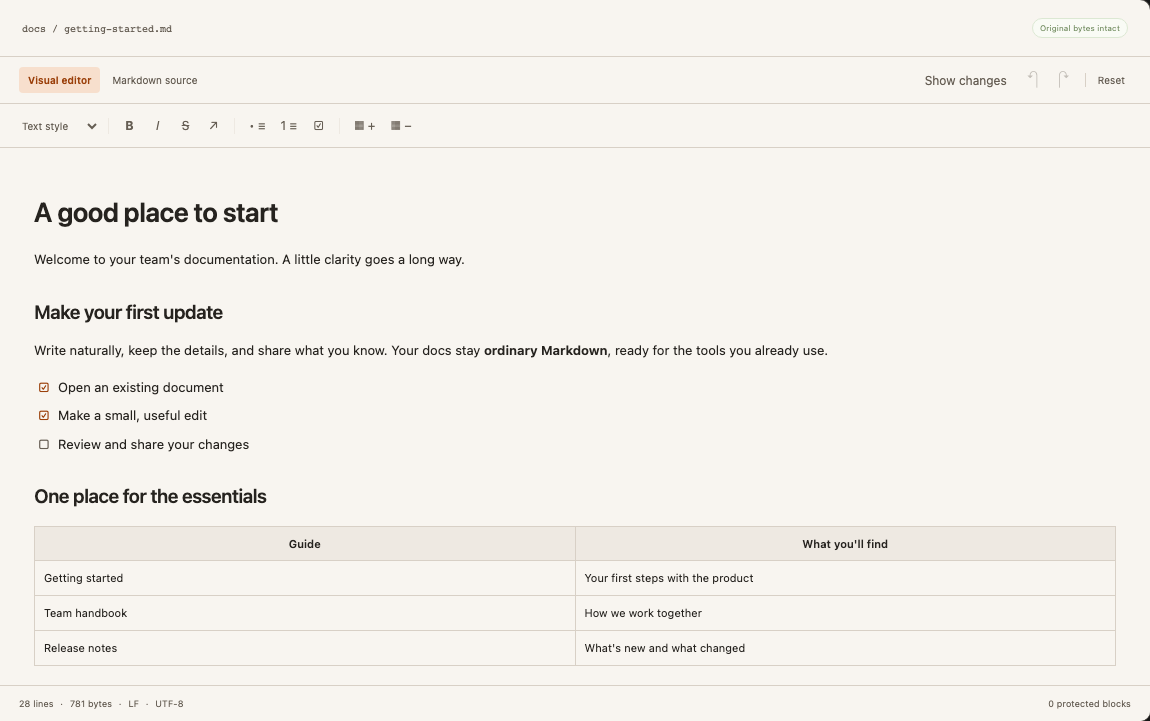
Headings, lists, tables and code, right where you need them. Type Markdown shortcuts or use the toolbar.
Explore the editorA better way to work with Markdown
Give your GitHub docs a comfortable place to write. Edit visually, review the changes, and keep your repository at the heart of it all.
Browser demo · No document upload · No installation
Less setup between you and a good sentence
From a quick correction to a new guide, work in an editor that feels familiar.
Headings, lists, tables and code, right where you need them. Type Markdown shortcuts or use the toolbar.
Explore the editorWork across repositories and documentation folders. Save drafts, then send a pull request when you’re ready.
See the GitHub workflowSmall edits target the original Markdown. Open the source diff when it helps, and hide it when you want to focus.
Understand your changesA comfortable place to write
Start with a clean visual editor. Make a heading with
# and Space. Add a checklist. Switch to Markdown source
whenever you need the full picture.
Choose orange, pink or light blue accents. Keep the changes panel open—or give your words the extra room.
Make yourself at home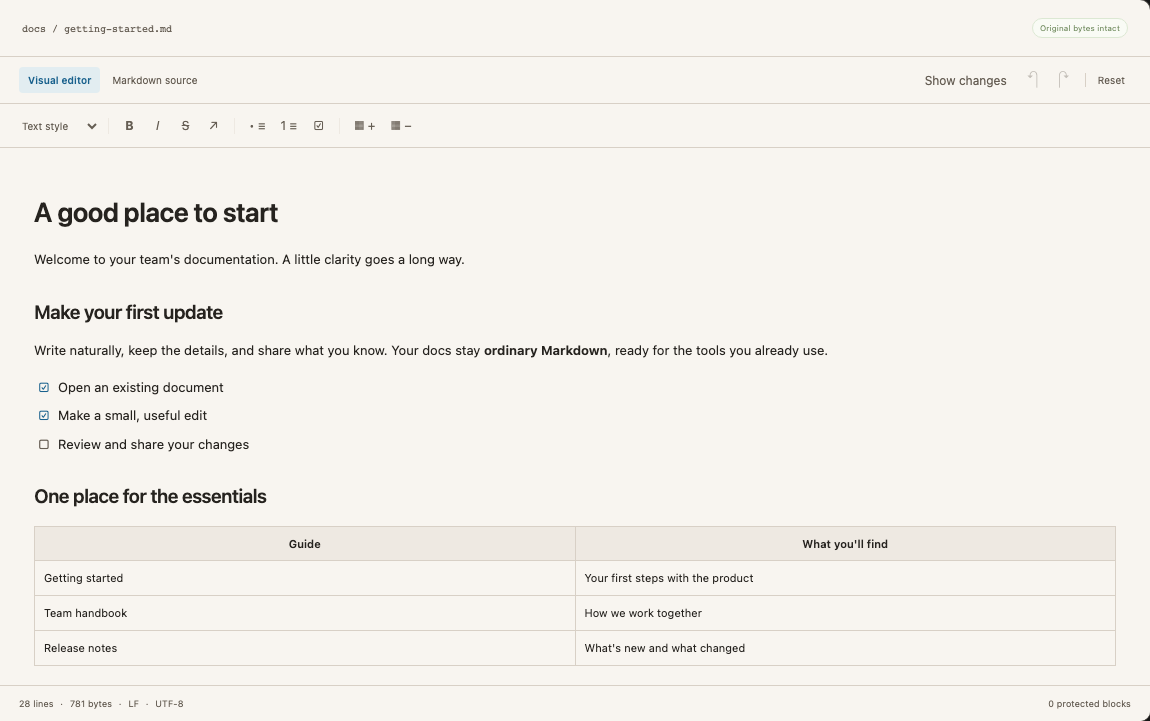
What you write
We ship every Monday.
Loading the source-preservation example…
Care for the source
Your repository already has its own formatting. DocuGhost aims to leave unrelated whitespace, frontmatter and code alone when you make a small edit.
Some structural edits need a larger change. Unsupported syntax stays protected, with source mode available when you need to edit it.
See what preservation meansFrom repository to revision
The GitHub workflow is available in the local preview. The browser demo lets you try editing and downloading Markdown.
Connect a repository and choose one or more documentation folders. Drop in new Markdown files when you need them.
Edit visually, use Markdown shortcuts, and paste or drop images into repository documents. Your draft stays local until you submit.
Check the files and source changes. Create a pull request, or commit directly when that option is enabled.
Yes. The browser demo lets you open a UTF-8 Markdown file, edit it visually, and download a copy. It does not connect to GitHub or retain documents after you leave. The GitHub workspace currently runs as a local development preview; hosted accounts and paid plans are not available yet. See our Cloud and self-hosted launch plans.
No. DocuGhost is an editing layer for Markdown. GitHub remains the repository, and your existing publishing tools continue to publish your docs. Built-in website publishing is not included.
No. The source changes panel starts hidden. Use Show changes or Hide changes to choose your layout; DocuGhost remembers the setting in your browser. The repository workflow still asks you to review before submitting to GitHub.
The goal is to preserve untouched source, not to render every Markdown extension. Common Markdown is editable visually. Unsupported blocks stay verbatim and can be edited in source mode. Complex structural edits may regenerate a small region or be blocked. Read the fidelity limits.
The local workspace supports several repository connections and multiple folders in each connection. Folder scopes filter that connection’s documents; they are not per-user access controls. Team accounts and owner-managed permissions are still being built.
Self-hosting is the intended direction. The current local build is for one operator and has no application sign-in. A supported production Docker installation is not available yet. Read about the current local setup.

Bring a Markdown file. Get a feel for a calmer workflow.
Try the editor demoNo installation. Download a copy to keep your edits.